Accept CIB and Edahabia cards on your website
About DzWallet
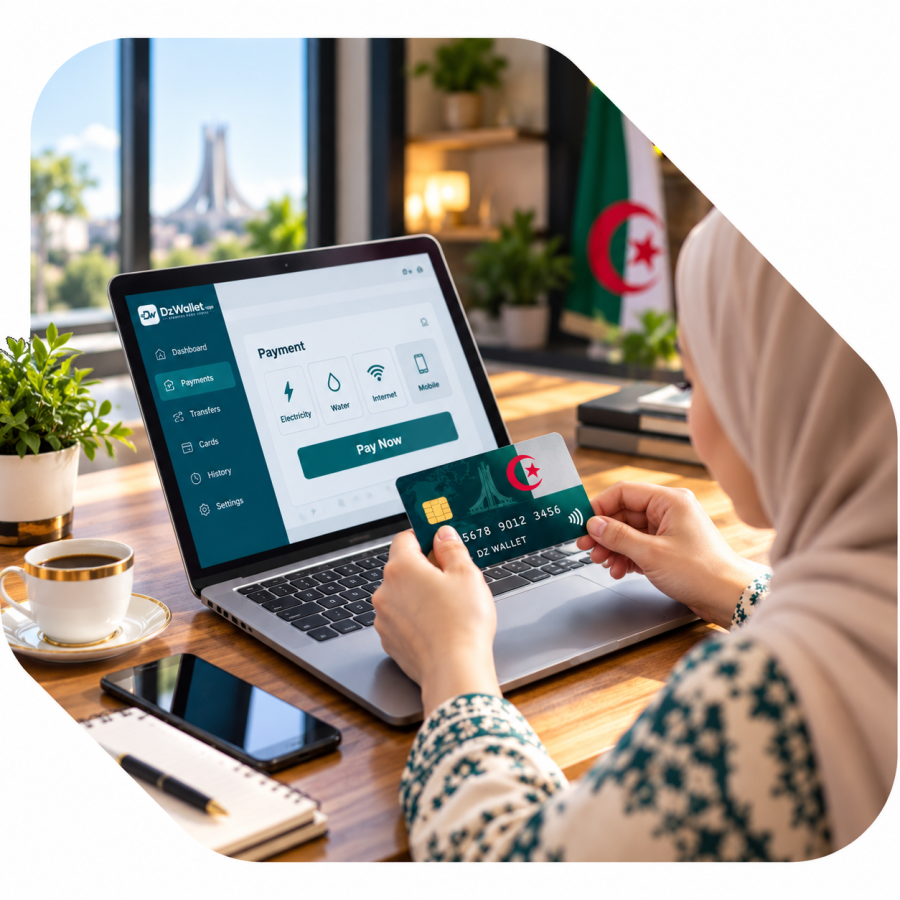
DzWallet helps Algerian businesses accept card payments, share payment links and QR codes, and follow every payment and withdrawal from one dashboard.
Payments are processed through SATIM, so your customers pay with the CIB or Edahabia card they already have.
Accept CIB and Edahabia cards on your website
Share a payment link or QR code in seconds
Follow every payment and withdrawal in your dashboard
Verify your account once and start collecting payments
Why DzWallet
Everything you need to get paid online with CIB and Edahabia.
Every payment, fee and withdrawal is listed in your dashboard.
Simple per-payment fees, visible in your dashboard.
Customers pay in seconds with the card they already have.
Payments are processed through SATIM, and every payment is tracked and confirmed.
Download App
The process of downloading an app depends on the type of device you are using and the app store
Use the website checkout, a payment link or a QR code, whichever fits your business.
Connect your site with our API and let customers pay with their CIB or Edahabia card.
Send a link by WhatsApp, SMS or email. No website needed.
Show a QR code in your shop. Customers scan it and pay on their phone.
Request a payout to your saved account and follow its status in your dashboard.
See how a travel agency accepts card payments online.
“Hotel bookings paid online with CIB and Edahabia cards.”
The basics about getting paid with DzWallet.
You create a merchant account, then connect your website with our API or simply use payment links and QR codes. Your customers pay with a CIB or Edahabia card on the secure SATIM page, and the payment appears in your dashboard.
CIB and Edahabia cards, processed through SATIM.
A confirmed payment is added to your balance in your dashboard (some payments are kept for a short hold period first). You can then request a withdrawal to your saved payout account, for example BaridiMob. Requests are reviewed before they are paid.
Card details are entered on the SATIM payment page and are never stored by DzWallet. You can protect your account with two-factor authentication, and the mobile app with a PIN or fingerprint.
Create an account, verify your identity in the app, then create your API keys or start right away with a payment link or a QR code.
News about DzWallet and tips to get paid online.
What SATIM is, which cards work online, and what your customer sees from the moment they click Pay.
Read MoreWhere the card details are entered, why the card authentication step matters, and what DzWallet adds on top.
Read MoreThe path of a payment through DzWallet in five steps, and what you can follow at each one.
Read More